

As a WordPress site owner, you rely heavily on developers to produce secure code, but you can also take steps to ensure the security of your site. Aside from always keeping your code secure by updating the core WordPress application and your plugins, you can take several additional steps that will lower the risk.
Keep WordPress Up-to-Date
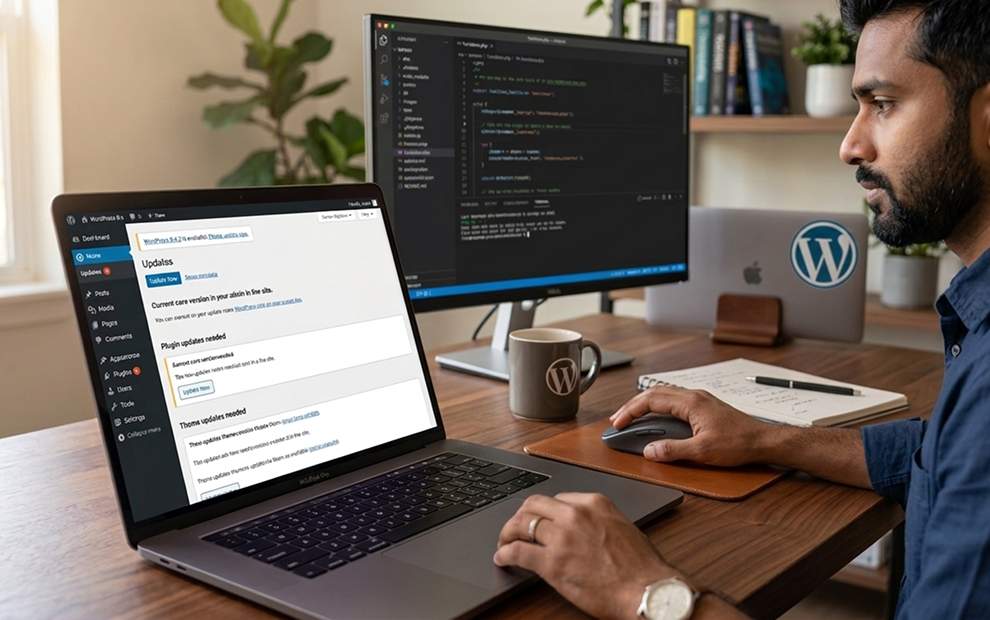
WordPress developers release updates every year. These updates address various bugs and security issues. You should always back up your WordPress site before updating, but you should update the software as soon as possible, especially if the update secures a known vulnerability.
Don’t forget to update plugins and themes when they become available. Usually, vulnerabilities stem from plugin and theme code, so quickly patching will stop attackers from exploiting issues. The WordPress dashboard displays an alert whenever a plugin or theme has a released update.
Managing updates requires you to review the WordPress dashboard every day, but you can eliminate this overhead by installing Imunify360. Imunify360 will perform a Real-time Virtual Patching so that you never have a data breach due to outdated plugins or core code. It also hardens PHP, includes a web application firewall (WAF), and proactive defense modules that stop and alert you to suspicious behavior.
Find a Reliable WordPress Host Provider
Your website should be hosted on a server with hardened security. The host provider’s administrators are responsible for server security, so you can rely on them to configure WordPress properly. Read reviews, search for user feedback, and ask questions to find secure WordPress hosting. Host providers will list several security features afforded to WordPress site owners when they sign up for service, so find a provider that offers security features with hosting.
Be In Control of WordPress Access
Attackers target specific pages that store sensitive information, including site credentials. These pages are: wp-admin, wp-login.php, and xmlrpc.php. Assigning the wrong permissions to these files could allow attackers to steal credentials or inject their own credentials, giving them access to the database and site content.
Even with these files protected, attackers can still obtain credentials by leveraging a phishing email, social engineering, or malware. To protect your account credentials, you can take additional measures to ensure that attackers cannot authenticate even if they are able to obtain your WordPress admin
-
- Use cryptographically strong passwords to avoid brute-force attacks. Passwords should be at least 10 characters and contain numbers, uppercase letters, and special characters. You can use a password vault to store WordPress credentials so that you do not forget them.
-
- Use two-factor authentication. To authenticate into the WordPress admin panel, an attacker will still need the auth code sent to your smartphone. Two-factor authentication is a strategy to stop unauthenticated access after a phishing attack.
-
- Limit authentication attempts. You can’t stop bots from attempting authentication, but you can limit the number of attempts to block brute-force attacks. WordPress has plugins that will limit authentication attempts. After the defined number of attempts, the account is locked for a set amount of time.
-
- Deauthenticate inactive accounts. Leaving idle users active opens the window of opportunity for attackers either from token theft or physical access on the user’s device. If the user authenticates from a public device and forgets to logout, you can use a WordPress plugin to ensure that anyone with physical access or from session hijacking cannot access the admin dashboard.
- Change the default administrator account name or create an alternative administrator account. When WordPress is installed, the administrator account is created. One strategy is to rename this account to an alternative, or you can create an alternative account and disable the main administrator account.