
Scan WordPress for Malware Frequently
Although the above steps reduce risk, they don’t completely eliminate it. To keep your website safe, you must scan it for any threats and monitor activity. A monitoring system will detect unusual traffic patterns and activity so that you can detect and eliminate malware. When malware or malicious code is introduced to the system, a good monitoring system will detect and remediate it automatically.
Create Backups
Backups are a key component in disaster recovery. If you cannot recover from downtime using other methods, backups will recover the system to a previous point in time. Backups are also necessary if your WordPress site falls victim to a ransomware attack. They should be stored in a safe location and tested to ensure that they are not corrupted.
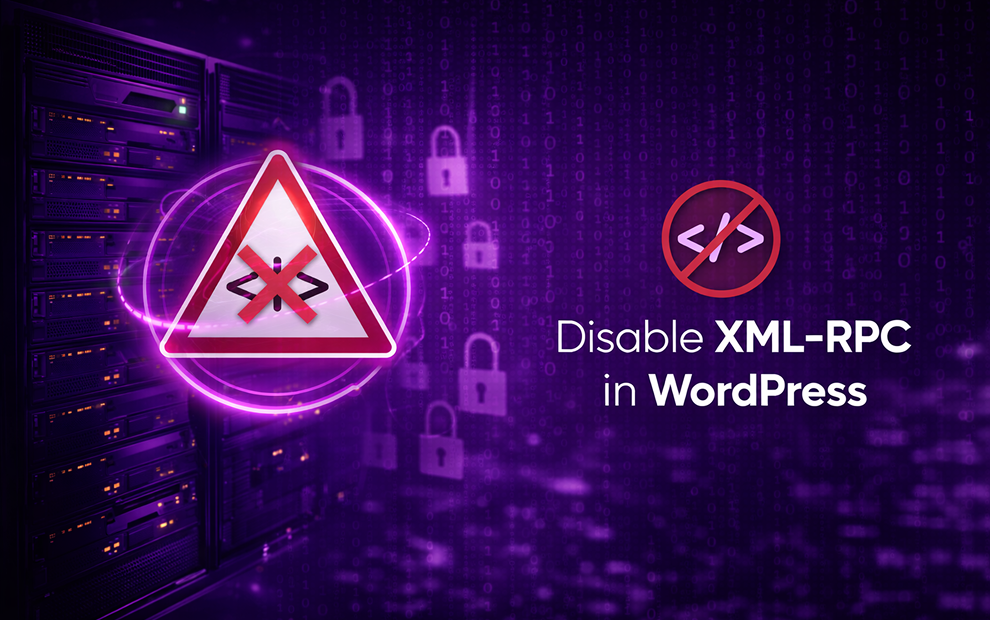
Disable XML-RPC in WordPress
The XML-RPC functionality in WordPress allows you to upload content remotely using a third-party client. Unless you absolutely need to remotely upload content, this functionality should be disabled to reduce the risk of compromise. You can easily disable XML-RPC by using a plugin that allows you to control remote access.
Use a Web Application Firewall (WAF)
A WAF can stop many of the attacks that leverage vulnerabilities in plugin and theme code. Imunify360’s WAF will stop XSS, malicious PHP scripts, brute-force password attacks, and SQL injection. To combat outdated software vulnerabilities, Imunify360 will also patch your WordPress software and monitor for unauthorized activities.
Modify the WordPress Database Table Prefix
When attackers craft their SQL injection scripts, they mostly assume that the targeted site owner uses the default wp_ prefix on all WordPress tables. This prefix can be changed during the installation process. It does not eliminate all SQL injection vulnerabilities, but it stops any script where an attacker assumes that WordPress tables have the default prefix.
Disable File Editing
The WordPress application has a file editing option that will allow users to change content, including theme items. If an attacker can exploit any vulnerabilities, the content within your site could be compromised with hidden malware, redirects, or third-party links. You should lock down editing so that only the administrator can edit files and theme configurations.